
Find the flaws on your site before your users do.
Research-level scrutiny for your entire product.
Auditing a signed-in page? Capture it with our browser extension.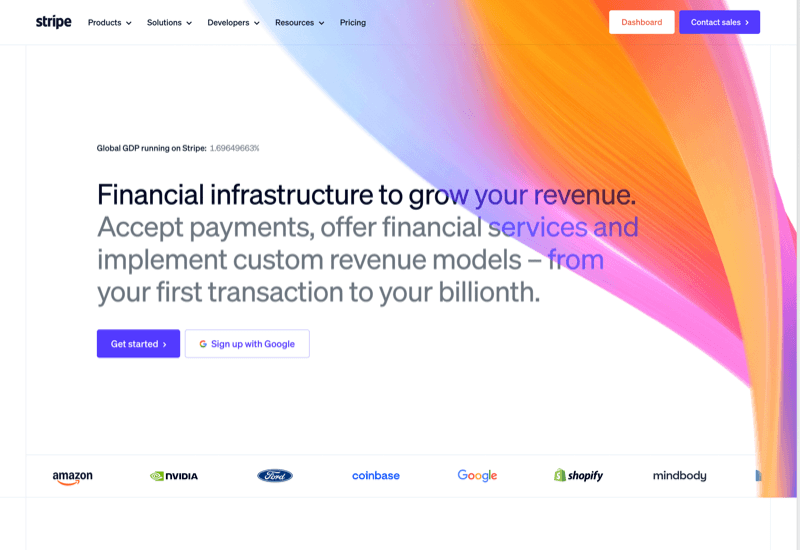
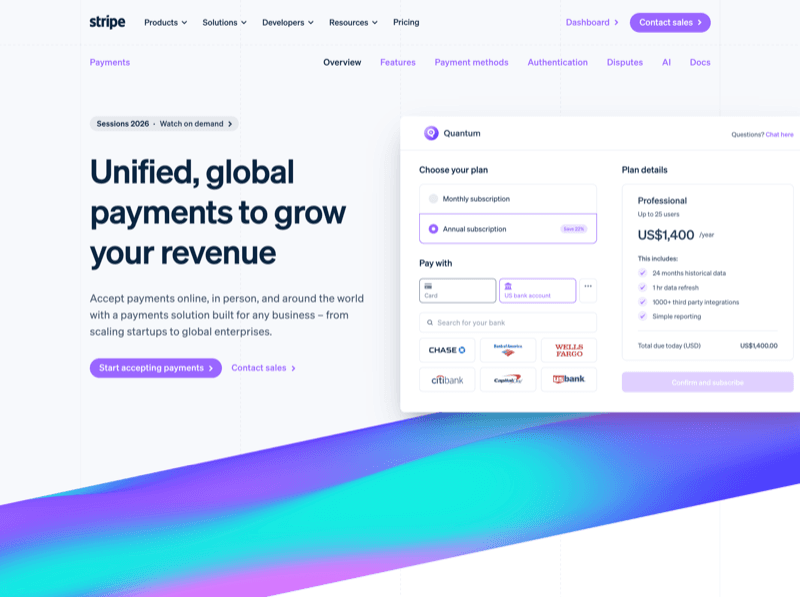
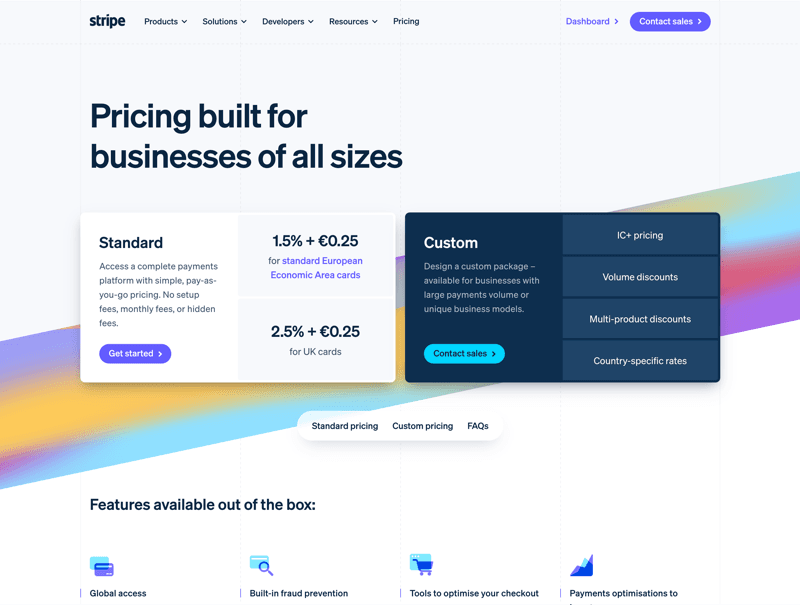
Trusted by people who've built at




Example journeys
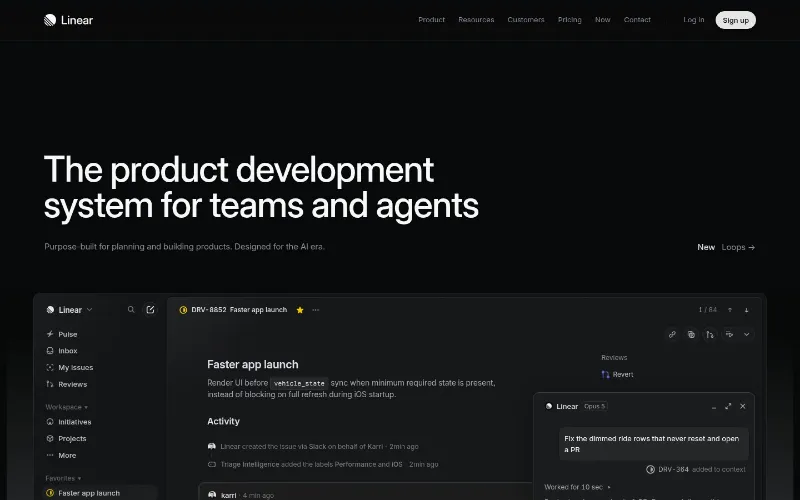
Public pages from products you know, crawled and audited with Slicer.
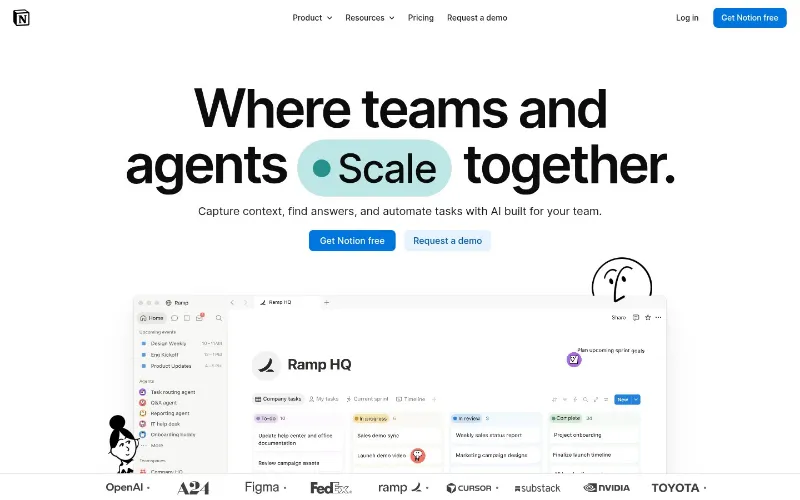
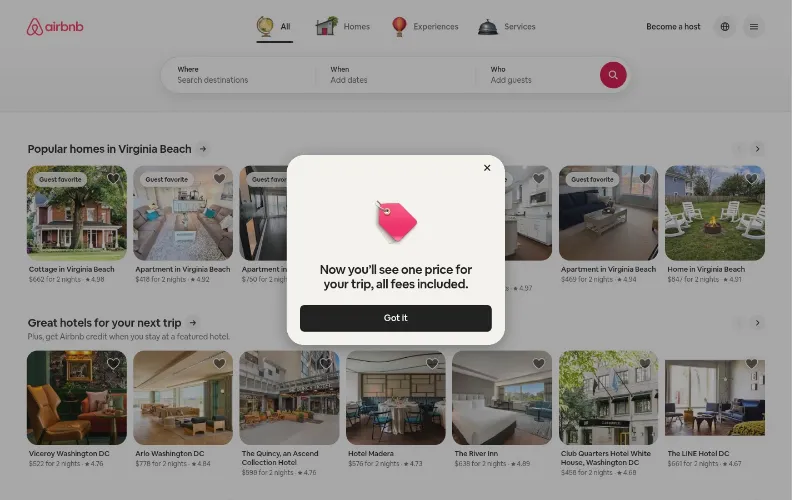
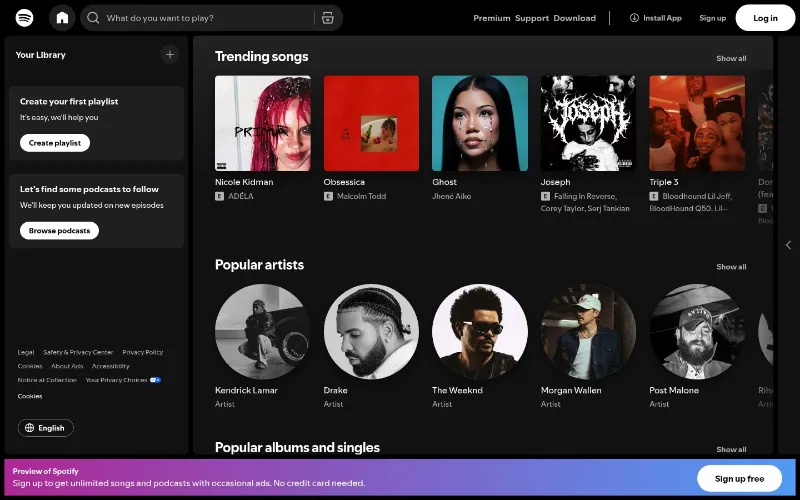
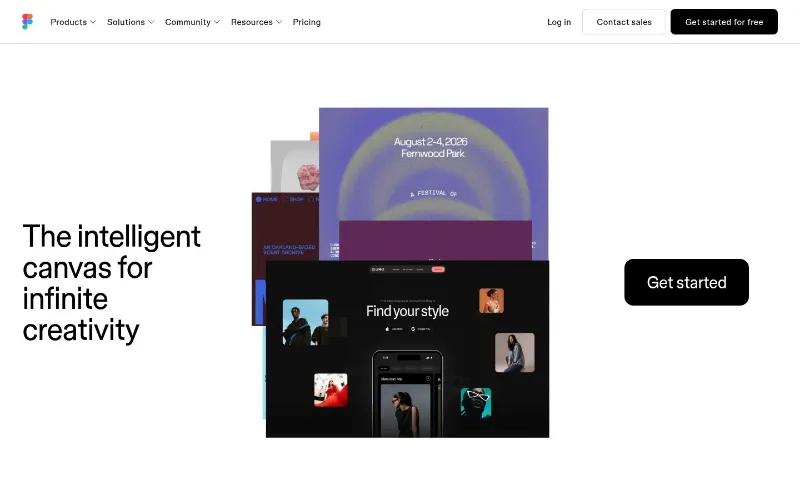
A real audit, not a checklist
Slicer walks your site like a visitor and hands back the pages, the score, and the fixes — all pinned to what actually shipped.
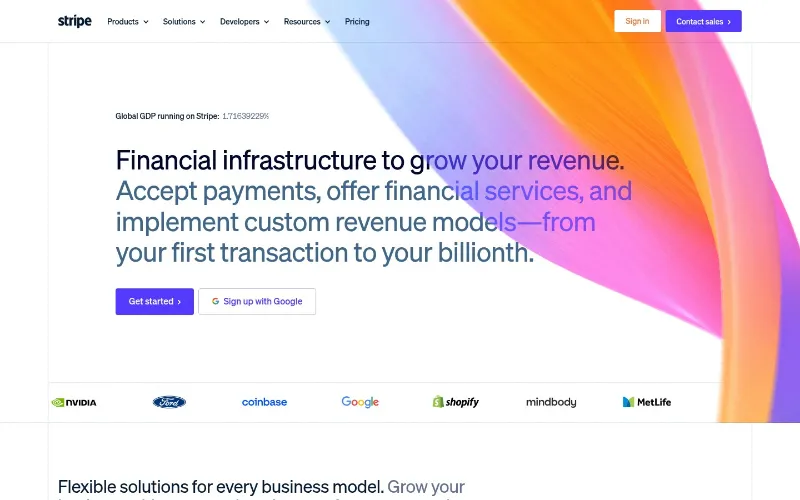
Live pages, not screenshots
Every captured page is the real thing — hover it, scroll it, inspect it. The state you saw is the state you keep, even after the site changes.
A UX score you can trust
Public pages are scored across copy, UI, usability and accessibility. Flow is marked limited unless a recorded task was actually tested.
Findings pinned to elements
Each issue points to the exact element on the exact page, tagged by journey step — ready to hand to a designer or an agent.
Language inconsistency during checkout journey
Ensure the item title and descriptions remain consistent with the user's selected interface language. The item title reverts to Lithuanian…
Show moreCapture pages behind a login
Use the extension to capture a signed-in page, then run a focused AI audit on that page. For now, each captured page is audited one at a time.
“I use Slicer almost every day when I'm doing web design work. I'd recommend it to any designer, frontend engineer, or founder who wants to build high-quality interfaces faster.”


 Sr. Brand & Web Designer at Clay
Simple, transparent pricing
Start immediately. Cancel anytime.
Perfect for trying out Slicer
- 3 component copies / month
- 1 UX audit / month (up to 5 screens)
For occasional building
- 30 component copies / month
- 5 UX audits / month
For designers & developers who ship fast
- Unlimited component copies
- 20 UX audits / month
Everything Slicer does, uncapped
- Unlimited component copies
- Unlimited UX audits
14-day money-back guarantee
Not happy in the first 14 days? We'll refund you in full, no questions asked.
Fix what your users notice first.
Start with one URL.
Slicer maps the useful public pages, scores the experience, and points each fix to the evidence — no extension or account required.
Frequently asked questions
What the UX audit covers, where it stops, and how to audit signed-in pages.
It reviews the public pages it can reach across copy, visual hierarchy, usability, flow, and accessibility. Each finding is tied to the page and evidence behind it, so you can move from diagnosis to a concrete fix.